Tools in practice

The work around the website.

You need the website, documents and everyday assets to tell a connected story.

Reviewed · By Josh Knight / Knighton Digital

Shared choices that work in use.Colour, typography, imagery and a shared source are applied to everyday material. The drawing is a concept, not a new client identity.AaA current shared source
Shared choices that work in use.

A useful explanation may belong in more than one place. The product detail on a page can also help a brochure, a quote or an installation guide. We start by understanding the information and the person using it, then choose the format and tools around that job.

Give the design something real to organise.

Existing documents, customer questions, product knowledge and a conversation provide useful raw material. We investigate what needs explaining, draft the content and ask the business to check the detail and nuance.

The KD framework helps keep that understanding connected to the deliverables. Figma can provide a shared design canvas when the project needs one. Creative tools support the illustrations, image preparation and document assets around the website.

Carry the foundations between formats.

The FX thinking is about shared rules that can be used with care: colour, type, spacing, components and interaction. A consistent system helps the next asset feel connected, while each format still needs to work for its own reader.

We use AI assistance where it helps organise material, draft or check the work, with human review and business approval still central. A fluent draft is not evidence that a product detail is correct. The source knowledge and the review are part of the job.

Leave a reference someone can use.

A dated screenshot can make a change or a review point clear. Snagit is part of that capture toolkit. GitHub keeps a record of source changes in our development workflow.

Handover also needs to explain the files, account access, editable assets and responsibilities. We agree those details around the way the client or partner will use the work, including what requires ongoing support.

The tools in context

Where each part fits.

A shared place to explore and review

Figma

When a project needs a shared design canvas, layouts and component ideas can be worked through in Figma before they become a build. It gives the discussion something visual to respond to.

Worth considering. A design file is one stage of the work. Content changes, responsive behaviour and the finished website still need their own review.

Brand assets, images and useful documents

Adobe Creative Cloud

Illustration, image preparation and document design often sit beside the website. Creative tools help prepare the assets for the actual use, from a product explanation to a brochure or a consistent brand reference.

Worth considering. The output format matters. We agree what needs to be print-ready, what belongs online and which editable assets the team will need later.

Capturing a useful reference

Snagit

A dated screenshot can make a review clearer: what was visible, what changed and where a problem occurred. Our research archive includes screen captures that help keep the discussion tied to something real.

Worth considering. A screenshot needs its date and context. Private details should be removed before a capture is shared publicly.

Keeping a record of the build

GitHub

Source history and reviewable changes help us see what changed and check a build before publishing. This website's development workflow keeps the source, checks and deployment records connected.

Worth considering. Source control is one part of recovery. Business data, account access and other assets need their own backup and handover arrangements.

In the work

Product knowledge carried into a website and manual.

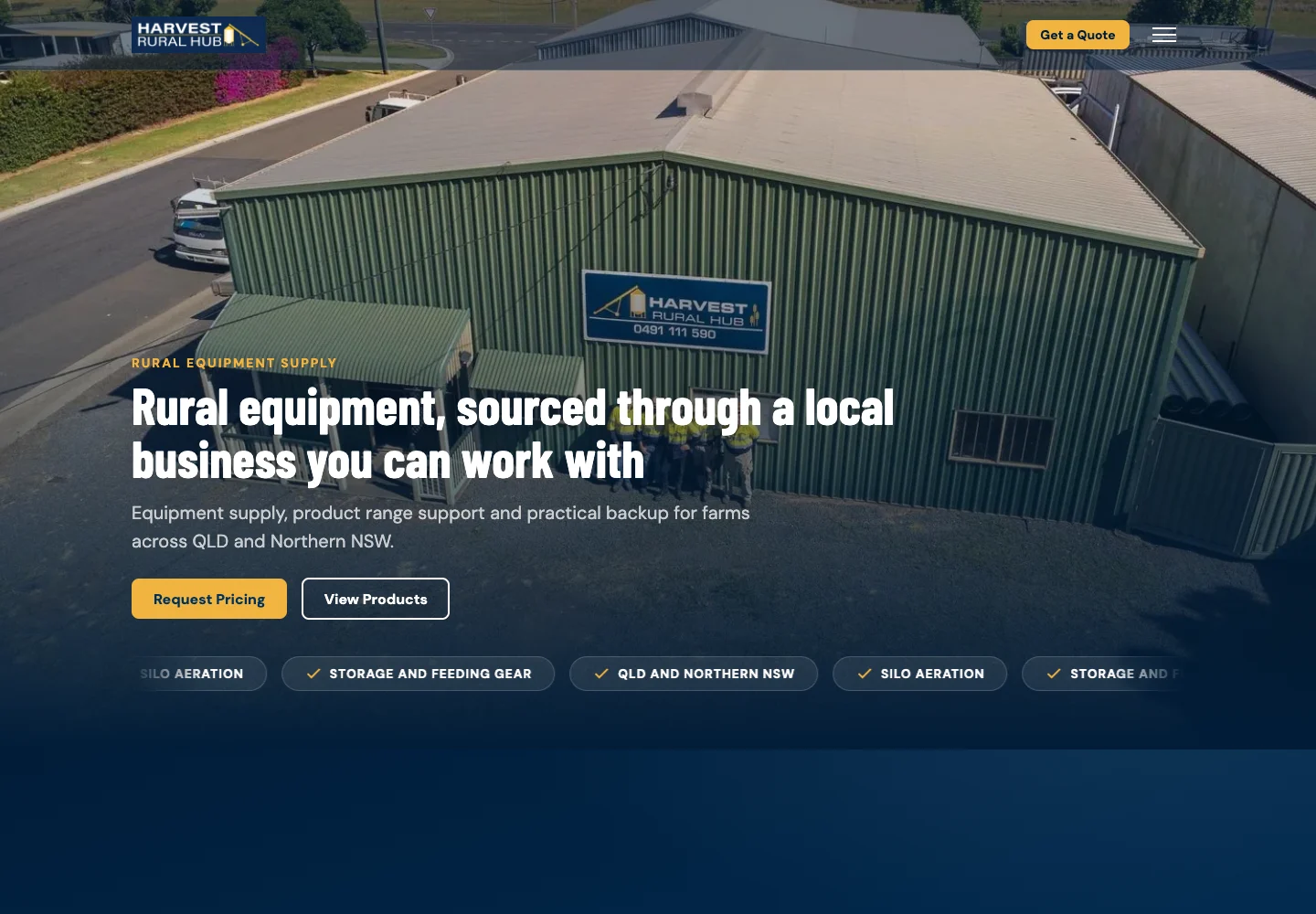
Harvest Rural Hub's work included research, writing, illustrations and an installation manual alongside the website structure. The project shows how learning the business can support several useful deliverables.

Follow the work

Connect the approach to your website.

Sources & further reading

Read around the approach.

Vendor documentation explains the tool. Practitioner references add context to the thinking. Our recommendations and project observations are described separately above.

  • Figma DesignFigma

    Shared design exploration, component work and review.

  • Creative CloudAdobe

    Creative tools for imagery, illustration and design assets.

  • SnagitTechSmith

    Screen capture and visual explanations.

  • How users read on the webJakob Nielsen, Nielsen Norman Group

    The reader's need to scan and find useful information. This informs our editorial approach, rather than proving an individual client outcome.

Keep exploring

Another part of the picture.

All tools & perspectives

A useful next step

Tell us what
you're working on.

Start with a few rough notes, a website link or one example of what needs attention. You do not need a finished brief.

Let's talk