Walk through a real job
Follow the inputs, decisions and repeated steps. Identify which information can be trusted and where a record or handover is needed.

Tools & systems
An enquiry arrives without the detail you need. A new product means rebuilding the same information. A document depends on someone remembering the format. We look at the repeated work and the decisions inside it, then work out where a focused tool or better structure could help.
Let's talk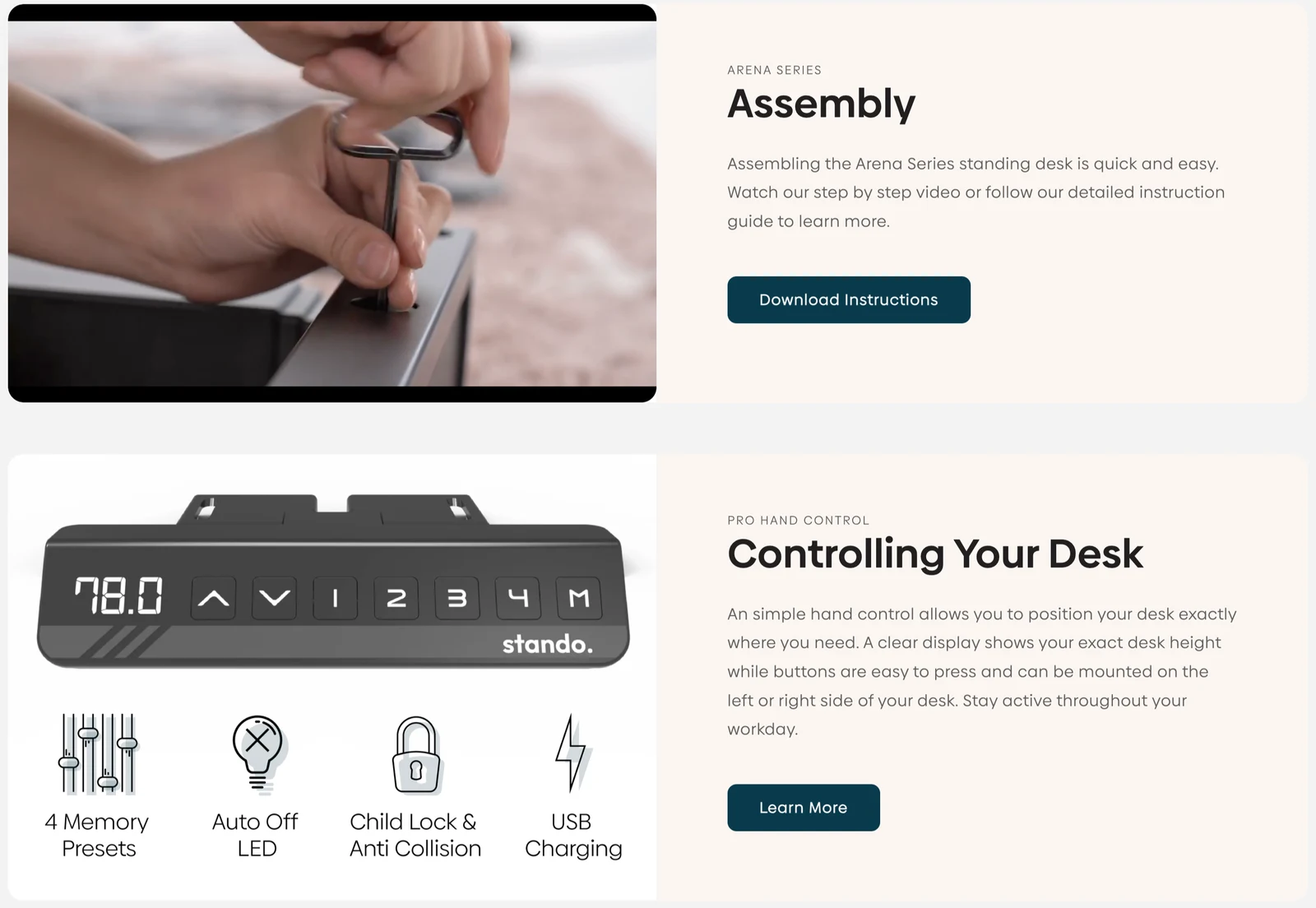
The useful detail is often between the visible steps: which information must be checked, where the record is kept, who needs to know and what happens if a notification fails. We map that path before building, including the places where a person's judgement needs to stay involved.
We agree which parts will help with the job in front of you. These explanations show what the work is there to do for the business and the people using it.
Make the repeated steps, decisions and handovers visible before deciding what to build.
Ask for the information needed for a useful response, with a clear route for the resulting record.
Help someone explore an option using agreed inputs, assumptions and limits.
Give new products or pages reusable facts and sections within the publishing setup.
Agree what information needs to move, whether the connection is supported and how it will be checked.
Explain where the information comes from, how the tool is checked and who handles the next change.
Small, clearly scoped tools with a defined source of truth and maintenance owner. Complex applications, regulated decisions and unsupported integrations need a separate assessment.
Where your input matters. An example of the real work is more useful than a long feature list. We work through it together, including the decisions you want a person to retain, before agreeing what the tool should handle.
Often, yes. We check the platform, the information it can work with and the job you need it to do. An existing website or native platform feature may provide a sensible starting point.
We first work through the decisions, exceptions and responsibilities with you. Some steps suit automation; others need a person to check or decide. The useful scope follows that understanding.
We agree that before building. Someone needs to own the source information, the checks and the next update. The handover should make those responsibilities understandable to the people using the tool.
How the work takes shape
A useful tool needs to fit the way information is checked, used and updated. We work through a real example so the design can account for the ordinary job and the places it may need a person's attention.
Follow the inputs, decisions and repeated steps. Identify which information can be trusted and where a record or handover is needed.
Try the form, template or content structure with a relevant example. Check whether the next person has the information they need.
Work through missing information, failed notifications and the next update. Agree the recovery route, source records and maintenance responsibilities.
In the work
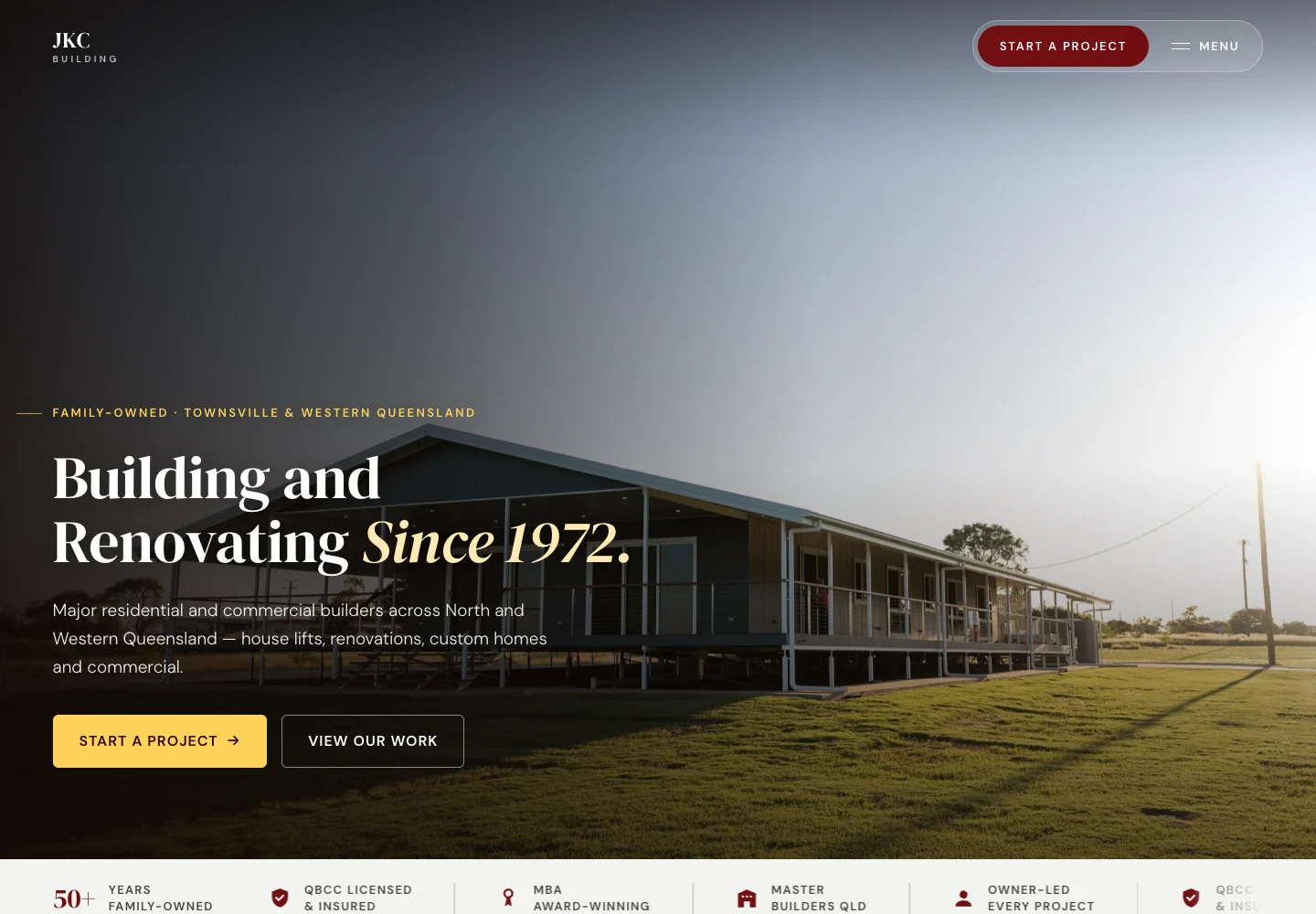
JKC Building's saved enquiry record and recovery route, and STANDO's native Shopify content structure, show how the work around a screen shapes the system behind it.
Useful guides
Work through the inputs, decisions and handoffs before adding another tool.
Tools & systems
Follow a website enquiry from the customer's message to a saved record, a notification and a person responsible for replying.
Read the guideTools & systems
Make a calculator's inputs, units and result understandable before connecting it to a larger workflow.
Read the guideTools & systems
Connect business tools around a clear record, a traceable handoff and a practical recovery path.
Read the guideTools & systems
Give real business knowledge a repeatable route from a few useful questions to a reviewed page and its supporting formats.
Read the guideThe thinking behind the tools
How we choose the setup, where the work adds value and what needs thought along the way.



Give staff a clear place to update shared information, with reusable layouts and an agreed route for looking after the site.



Organise products, collections and reusable content around how customers compare and buy, while keeping everyday publishing manageable.
A useful next step
Start with a few rough notes, a website link or one example of what needs attention. You do not need a finished brief.
Let's talk