Tools in practice

Tools that help answer a business question.

You want to know what is happening, what matters and what to do next.

Reviewed · By Josh Knight / Knighton Digital

Different records answer different questions.Attention, actions and outcomes are distinct evidence records. They are deliberately not connected as one measured funnel.AttentionActionsOutcomesSearchRecorded stepBusiness recordEach needs its own evidence
Different records answer different questions.

A report is more useful when it begins with a question. Is the right service becoming easier to find? Can people understand the product range? Is something getting in the way of an enquiry? Different tools help investigate different parts of that picture.

Match the tool to the question.

Screaming Frog helps us inspect the site's structure and technical details. Search Console shows evidence about Google Search visibility and clicks. SEO Utils sits within our research and investigation workflow.

Clarity can provide a view of how sampled visitors move through a page. A frustrating interaction can be worth investigating, but a recording does not tell the whole story. We check the working page and the intended customer path as well.

Keep the definitions with the numbers.

Impressions show an opportunity to be seen in search. Clicks show visits from those search results. A contact-button click, an accepted enquiry and a booked job are different events.

We keep dates, data sources and the limits of each observation with the report. That is why our project examples explain what was measured and what it can support, rather than giving every rising graph the same meaning.

Finish with a useful action.

A technical flag needs to be connected to the pages and people it affects. A content opportunity needs to be connected to a service or product the business actually offers.

We use the evidence to choose the next investigation or improvement, then check the result against that question. The tool helps reveal the detail; knowing the business helps decide what to do with it.


The tools in context

Where each part fits.

Looking beneath the visible pages

Screaming Frog

A crawl helps us inspect links, titles, redirects and other technical details across a site. That is useful when planning a rebuild or checking whether a change has left something behind.

Worth considering. A flagged issue needs context. We connect it to the affected pages, the business need and what a customer is trying to do before deciding its priority.

Research with a clearer working view

SEO Utils

We use SEO Utils within our research workflow to organise search evidence and investigate the questions behind a recommendation. It helps bring the data back to a service, product, location or content decision.

Worth considering. Data sources have limits and some research has a separate usage cost. A number from a tool needs its source, date and context before it becomes a claim.

Understanding visibility in Google Search

Google Search Console

Search Console helps us see the searches and pages behind impressions and clicks. The useful question is which part of the business is becoming easier to find, and whether the relevant page helps someone take a next step.

Worth considering. Visibility and search clicks are not confirmed enquiries or sales. Reporting needs those distinctions, a date range and a clear next action.

Looking for friction in the experience

Microsoft Clarity

Heatmaps and session recordings can help us investigate where visitors hesitate, miss a useful action or have trouble with a page. We use that as context alongside the content and the working enquiry route.

Worth considering. A recording is a sample of behaviour, not an explanation on its own. Privacy settings, collection choices and the limits of the evidence matter.

In the work

Care and search work with evidence beside it.

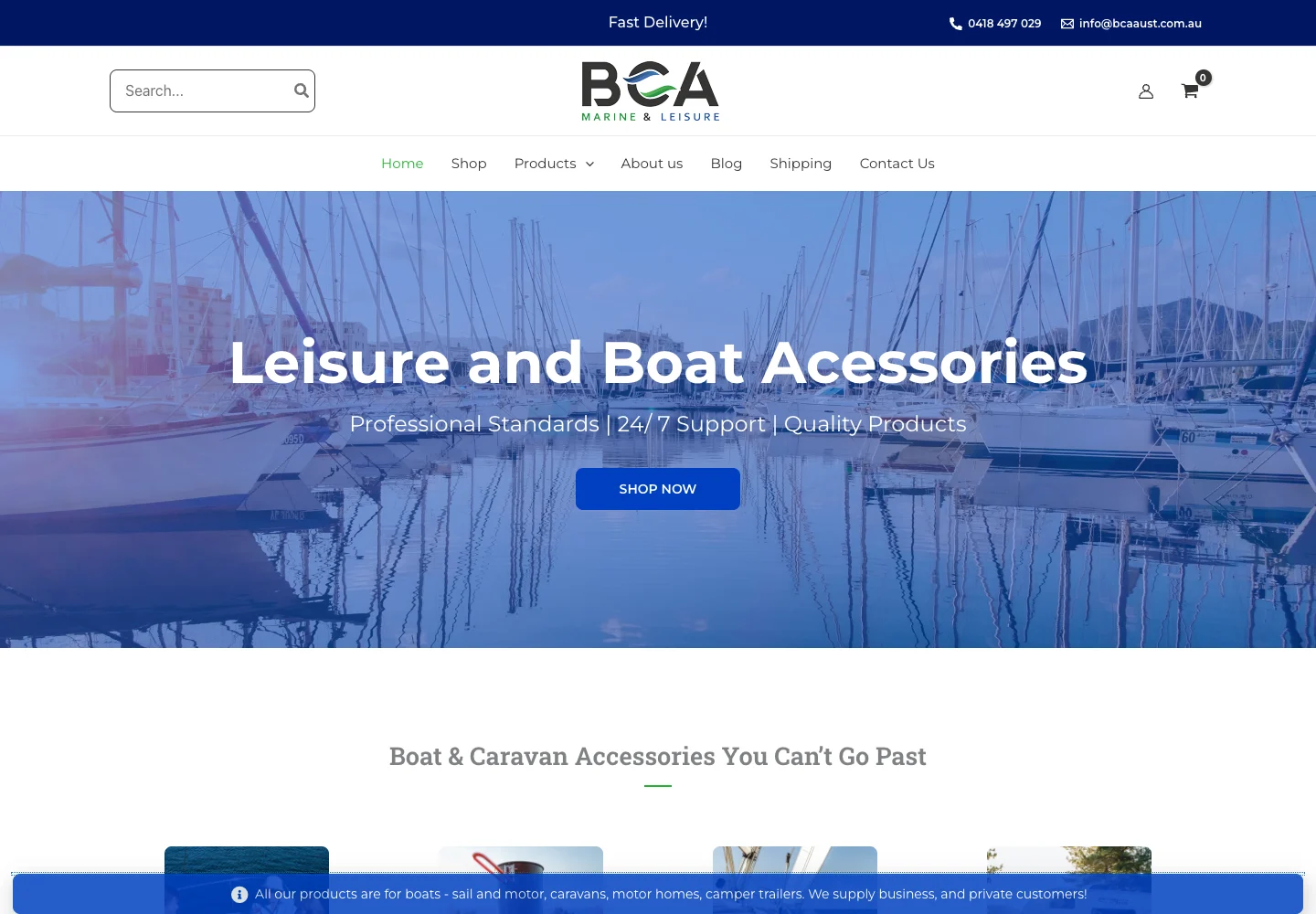
The BCA Australia story distinguishes ongoing SEO, content, hosting and maintenance work from authorship of the original website. That context is part of understanding a performance example.

Follow the work

Connect the approach to your website.

Sources & further reading

Read around the approach.

Vendor documentation explains the tool. Practitioner references add context to the thinking. Our recommendations and project observations are described separately above.

  • SEO SpiderScreaming Frog

    Crawling and inspecting website details.

  • SEO UtilsSEO Utils

    The research tool and its supported data workflows.

  • Search ConsoleGoogle

    Search queries, impressions, clicks and index-related reports.

  • Microsoft ClarityMicrosoft

    Heatmaps and session recordings for investigating user behaviour.

Keep exploring

Another part of the picture.

All tools & perspectives

A useful next step

Tell us what
you're working on.

Start with a few rough notes, a website link or one example of what needs attention. You do not need a finished brief.

Let's talk