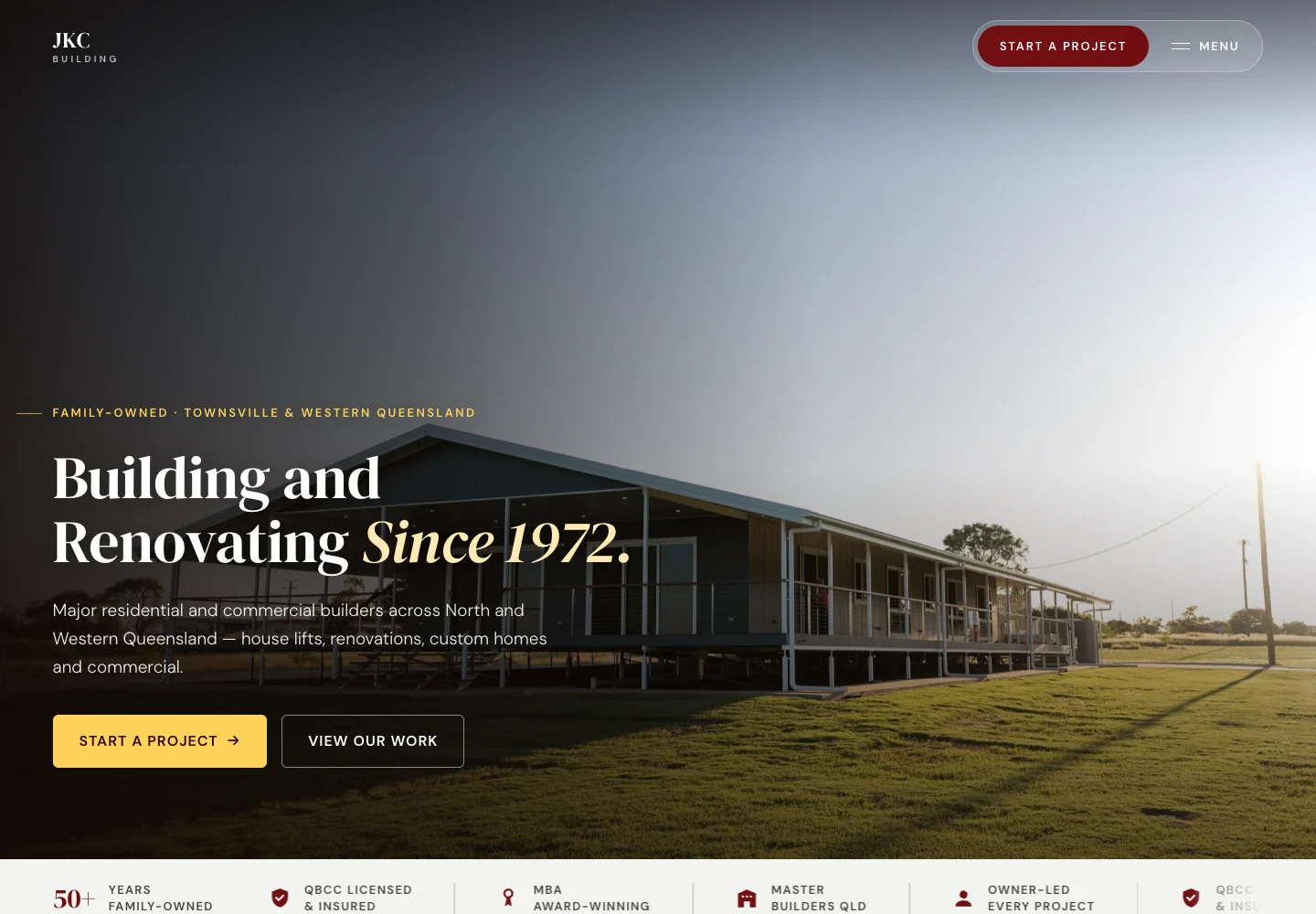
Project photos and product images carry useful detail. They can also ask a visitor to download far more than the space on screen needs. The aim is to keep the detail that helps someone choose, while checking the cost of delivering it.
Start with the space the image will occupy.
Keep a suitable original, then prepare versions for the website. Pixel dimensions, file weight and the displayed size are different things. A photograph that looks small in the layout can still arrive as a large source file.
Responsive image delivery lets the browser choose from prepared sizes. The crop should also preserve what the customer needs to see. A product connection, drawing dimension or important part of a completed build should not vanish to make a card look tidier.
Choose a format against the actual image.
Formats such as WebP and AVIF offer options for photo delivery, but the right result depends on the image, quality setting and supported browser path. Compare the output visually rather than chasing the smallest file at any cost.
Addy Osmani's guide to modern image formats explores these trade-offs. Its examples are a useful starting point for testing your own assets; they are not a universal promise about every photograph or browser. Keep an appropriate fallback where the implementation needs one.
Reading behind this section: Addy Osmani / Smashing Magazine
Load the right things at the right time.
Images lower down a page can often wait until the visitor approaches them. The important image near the top needs a different decision. Deferring that image can make the visible page feel slower even if fewer files load at first.
Fonts also affect when text appears and how stable the layout feels as it loads. Limit the styles the design actually needs and choose a loading strategy deliberately. Check headings and body copy while the chosen font is still arriving.
Reading behind this section: web.dev; MDN Web Docs
Treat page weight as a record, not a speed claim.
HTML, images, fonts and scripts are different parts of a page. An HTML byte count does not measure the whole download, and a crawler transfer total can depend on cache and rendering conditions. Keep those definitions beside any example.
A performance budget gives the team something to check when a new gallery, video or tracking tool is added. The business should be able to keep publishing useful material without silently losing the experience it approved.
Reading behind this section: Harry Roberts / CSS Wizardry
Put it to use
A useful check for your business.
- Check the actual downloaded image, not only its on-screen size.
- Inspect the prepared image for useful detail and readable text.
- Keep page-weight and real-user loading measures separate.
The thinking behind this guide
Sources & further reading.
Our practical interpretation, with the references below for the specific principles and further detail.
- Using Modern Image Formats: AVIF And WebP
Original practitioner discussion of compression, quality and format trade-offs; browser support should be checked separately.
- Key performance issues
Image request timing, including the risk of lazy-loading an important above-the-fold image.
- font-display
How a font face is displayed while the resource becomes available.
- Web Performance Budgets, Pragmatically
Performance budgets as safeguards against regression, using representative measurements.